Performance Max can finally A/B test creative. Here's the test playbook.
Google's Performance Max asset experiments finally let you A/B test creative inside a single campaign. Here's how to design a test that actually reads clean.
For years, Performance Max gave you no honest way to test creative. You could swap assets and watch the aggregate numbers move, but you never knew whether a new headline did the work or the algorithm simply shifted spend to a more profitable placement that week.
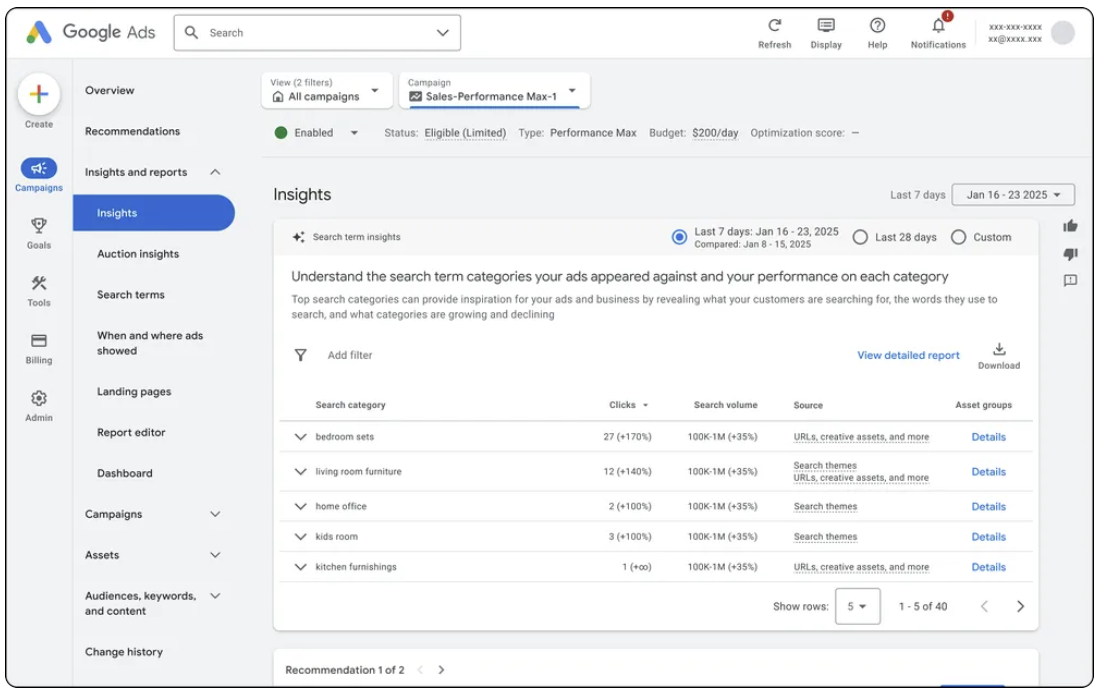
Performance Max asset experiments, which Google rolled out to all PMax campaigns on 8 June, change that. For the first time you can run a controlled test on creative inside a single campaign and get a result you can defend to a client or a finance director.
The catch is that the tool is rigid. You get one experiment per campaign at a time, and the asset groups lock the moment the test starts. A sloppy design costs you four to six weeks and tells you nothing. Here's how to run one that earns its place.
What the feature actually does
An asset experiment splits a PMax campaign's traffic between two creative configurations — a control and a variant — while holding budget and bid strategy constant. Google's Experiment Guidance System sets the minimum duration, typically four to six weeks, and reports the lift between the two arms once it has enough data. Because spend and bidding are held steady, the difference you see is closer to a clean creative read than anything PMax has offered before.
Two constraints shape everything you do with it. One experiment can run per campaign at any time, so you cannot test five ideas at once. And the asset groups are frozen for the duration — no editing mid-flight — so whatever you launch with is what you measure.
The three tests worth running
1. A whole new asset group against the existing one
This is the biggest-signal test available, and the right call when you suspect the entire creative direction is tired rather than one weak component. Build a genuinely different asset group — new angle, new imagery, new messaging — and run it against your incumbent. Because you are changing everything at once, you won't learn which element drove the result, but you will learn whether the new direction is worth committing to. Use it when performance has plateaued and you need a yes or no on a fresh concept.
2. An incremental asset added to a performing group
Lower risk, narrower read. Here you keep a group that is already working and test the effect of adding one thing — a new headline set, a fresh video, an extra image variant. This isolates the contribution of that single addition. It won't tell you whether your whole creative strategy is right, but it will tell you whether that new video is pulling its weight before you commission five more like it.
3. Seasonal creative against evergreen
If you run peaks — sales periods, seasonal launches, event-driven demand — this is where the tool pays for itself. Test whether seasonal creative actually outperforms your evergreen set during the window, rather than assuming it does. We've seen plenty of seasonal refreshes that cost real production budget and then underperformed the evergreen they replaced. An experiment settles it with data instead of instinct.
Reading the results without fooling yourself
Let the guidance system call it. The temptation to peek at week two and declare a winner is exactly how you ship a false positive. Conversion lag means early data favours whichever arm happened to catch the quick wins; the system's recommended duration accounts for that, so respect it.
Mind the spend skew. Because PMax keeps optimising during the test, the two arms won't always receive identical spend or an identical placement mix. Check that the split is broad enough that you're comparing creative — not comparing a Search-heavy arm against a Display-heavy one.
Prioritise ruthlessly. One experiment per campaign means your testing calendar is a queue. Run the highest-stakes question first — usually the whole-new-direction test on your biggest-spending campaign — rather than burning six weeks confirming something you already half-know.
What this still doesn't fix
Asset experiments measure outcome, not cause. They tell you that a configuration won, not which channel or placement made it win — PMax still withholds the granular, placement-level creative breakdown that would let you diagnose why. Treat the experiment as the verdict and your asset-level reporting, where you have it, as the supporting evidence. The two together are far stronger than either alone.
Do this this week
- Pick your highest-spending PMax campaign and write down the single biggest creative question you have about it.
- Decide which of the three test types answers that question — most accounts should start with whole-group-versus-group.
- Build the variant in full before you launch; remember the groups lock on start.
- Set a calendar reminder for the guidance system's end date, and commit not to look before then.
- Queue your next test now, so the campaign isn't sitting idle the day this one ends.
If you're running PMax across several campaigns and want a structured testing roadmap rather than ad-hoc experiments, that's exactly the kind of work our paid search team builds into an account.
FAQ
How long does a Performance Max asset experiment take?
Google's Experiment Guidance System sets the minimum, typically four to six weeks. Don't call a winner before it does — earlier reads are distorted by conversion lag.
Can I run more than one asset experiment per campaign?
No. One experiment per campaign at a time, and the asset groups lock when the test starts. Plan your tests as a queue and run the highest-stakes question first.
Will it tell me which channel my creative performed best on?
No. Asset experiments report the overall lift between configurations, not
placement- or channel-level creative performance. Pair the result with whatever asset-level reporting you have to understand why one arm won.




23.png)